Category: Uncategorized

Drop by Phones Rescue if you have a problem with your phone, tablet, laptop, PC or console.

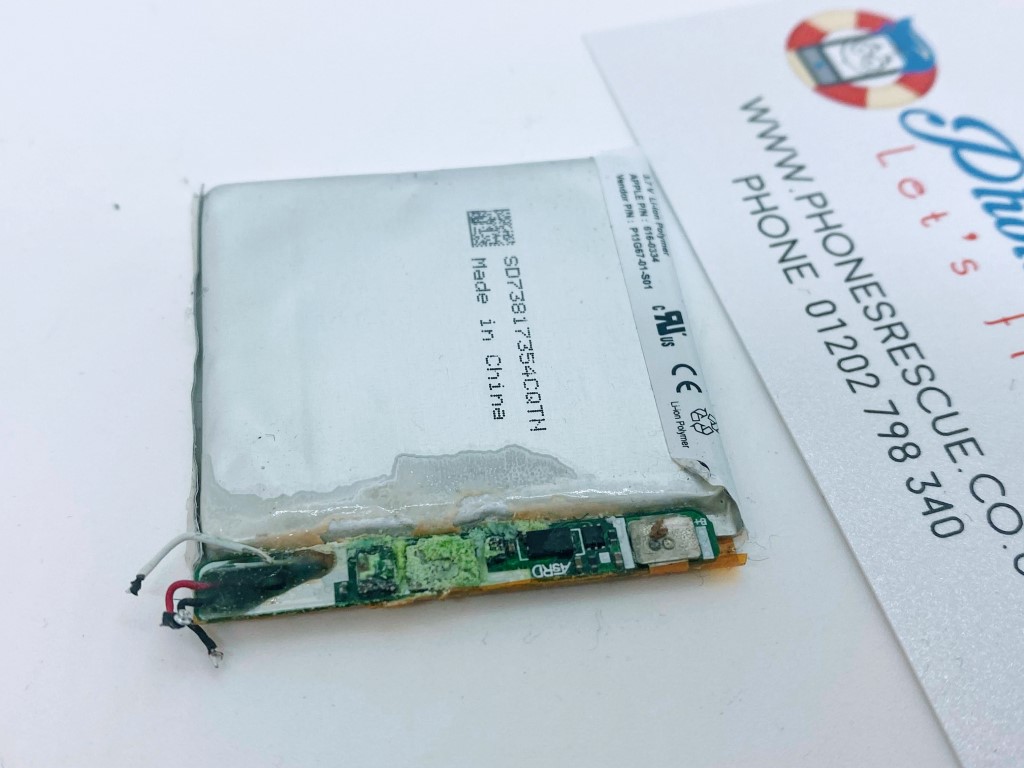
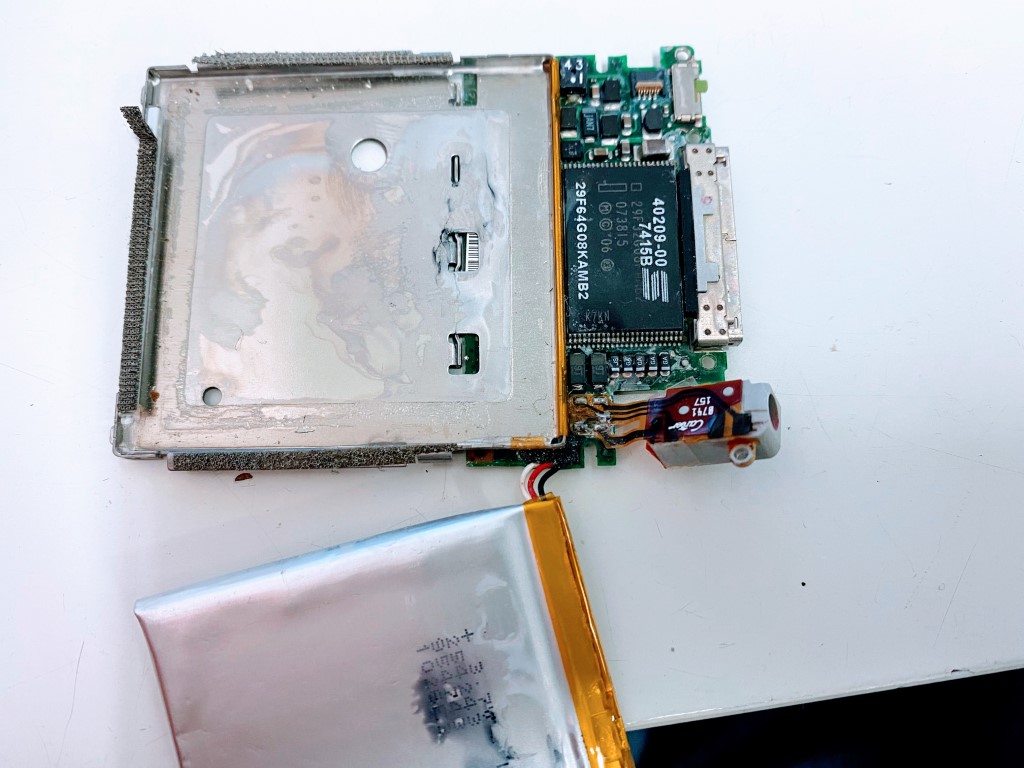
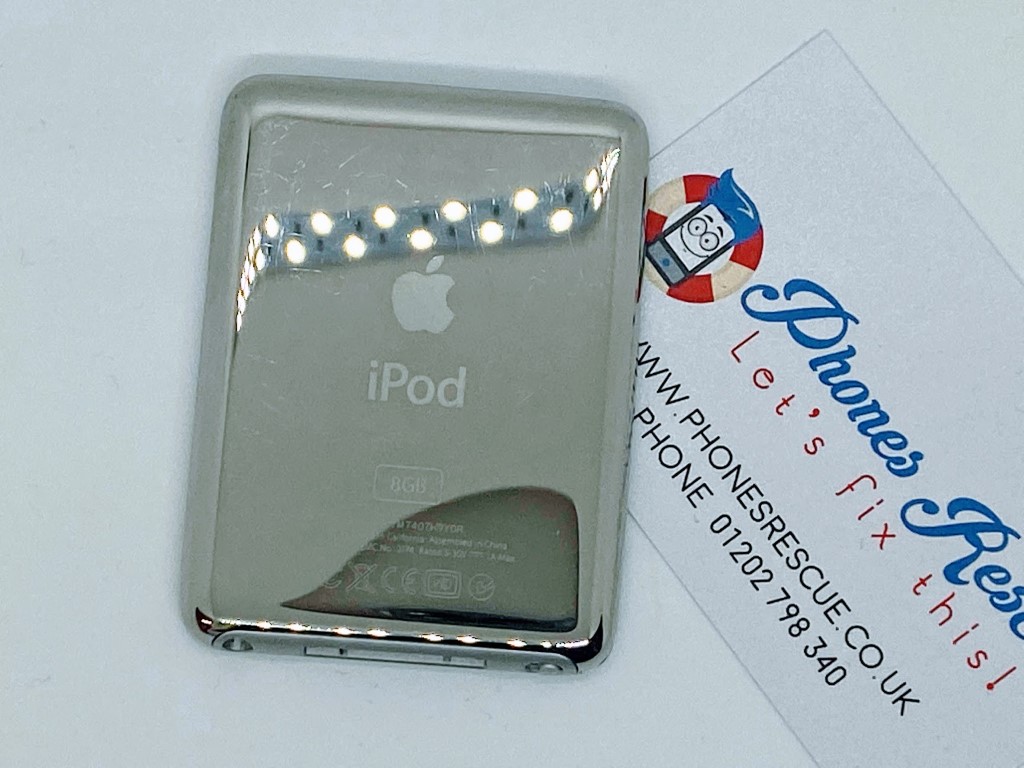
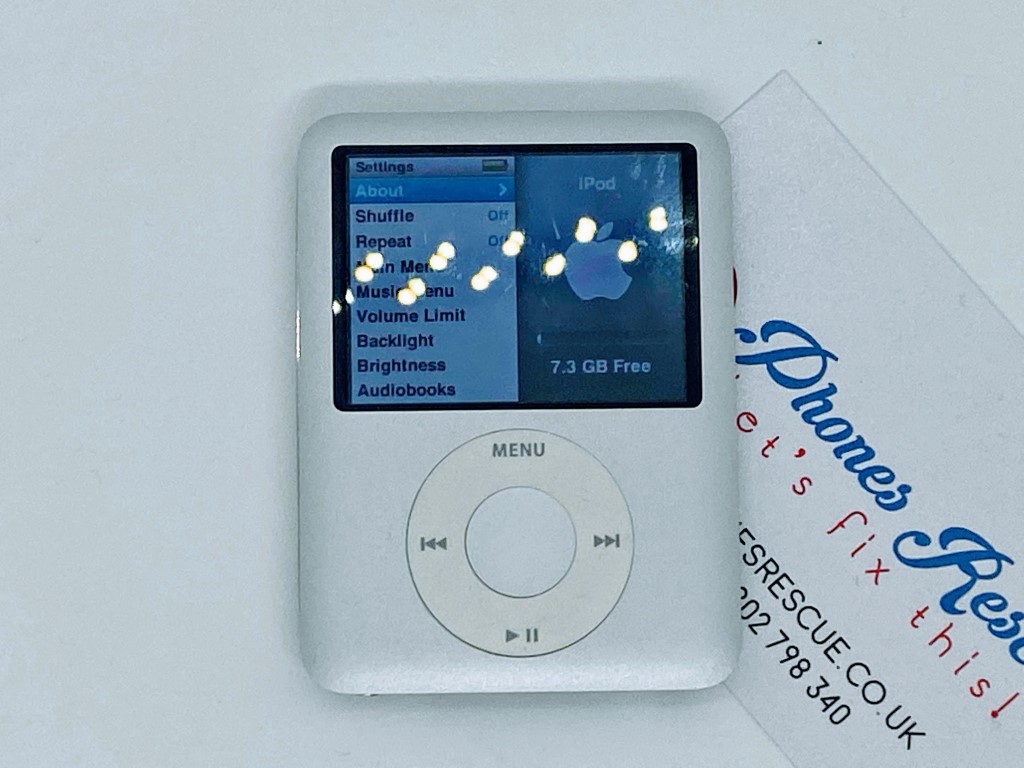
  • iPod nano 3rd gen battery replacement, logic board repair

    iPod nano 3rd gen battery replacement, logic board repair

    iPod nano 3rd gen battery replacement, logic board repair

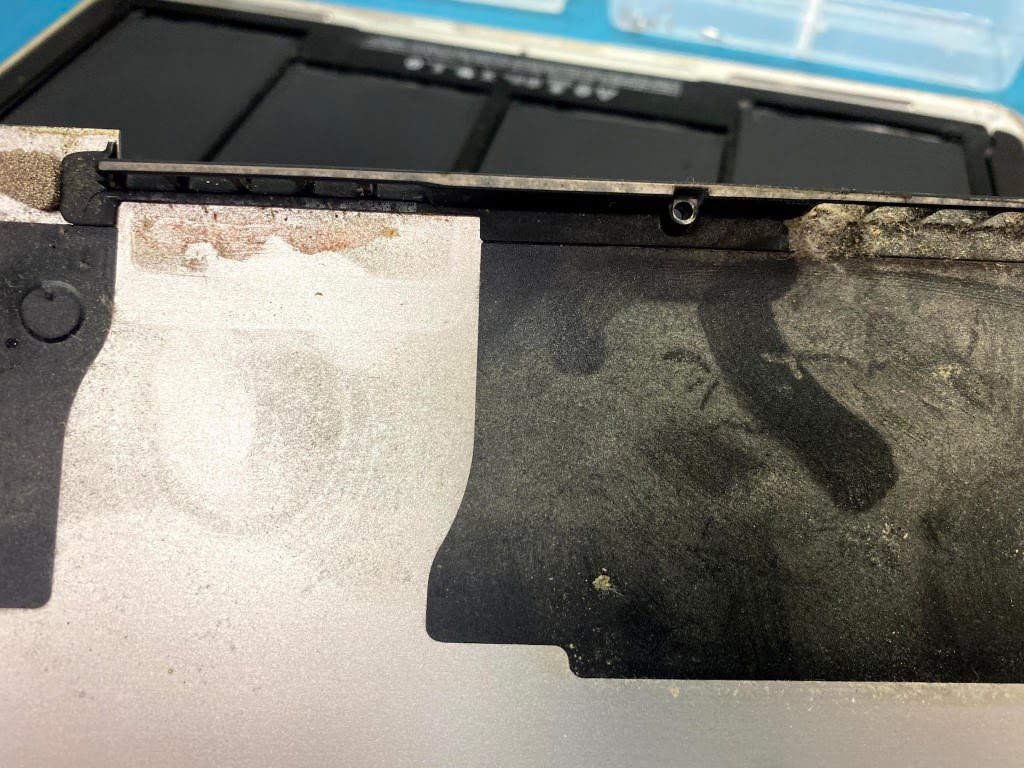
    If you do not use your iPod for a long time, the lithium-ion battery may be damaged and acid may leak out. This acid can easily damage delicate parts on the motherboard. If you need to replace your iPod’s battery, please contact Phones Rescue. Check our website: iPod nano 3rd gen repair and check the repair price.

  • Apple iPhone batteries replacement

    Apple iPhone batteries replacement

    Apple iPhone batteries replacement

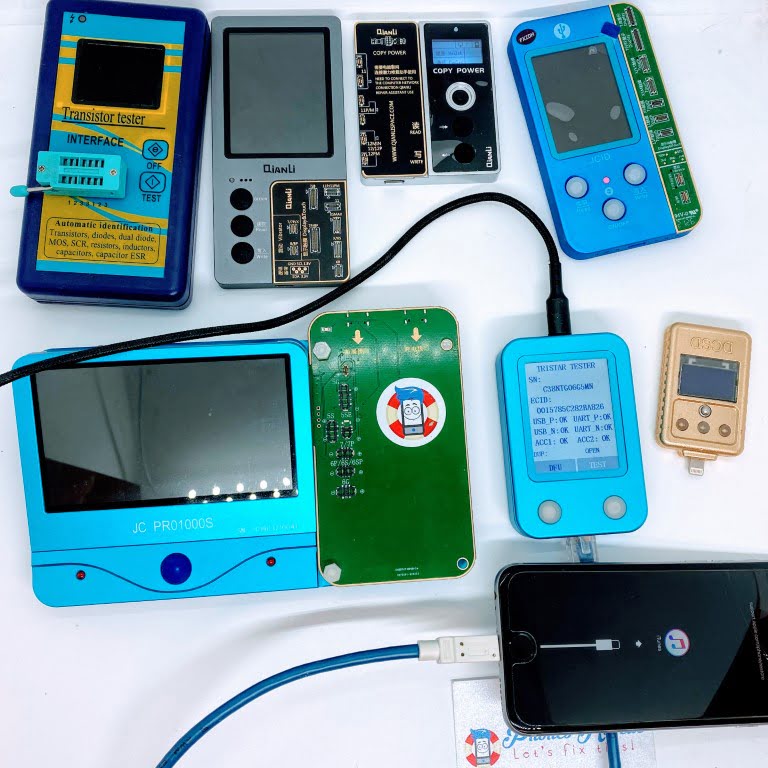
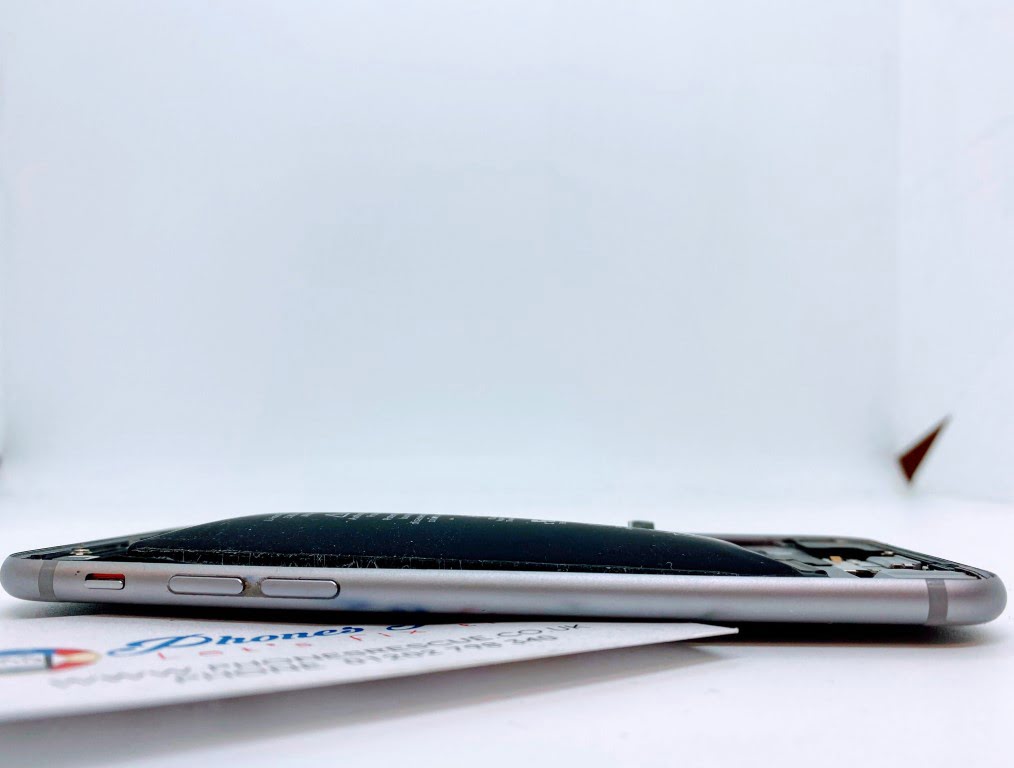
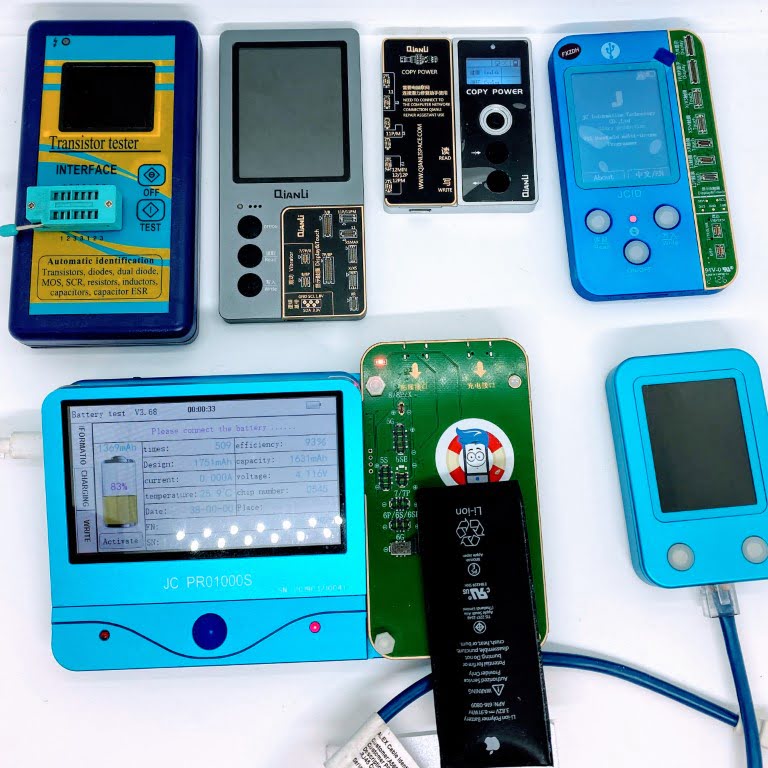
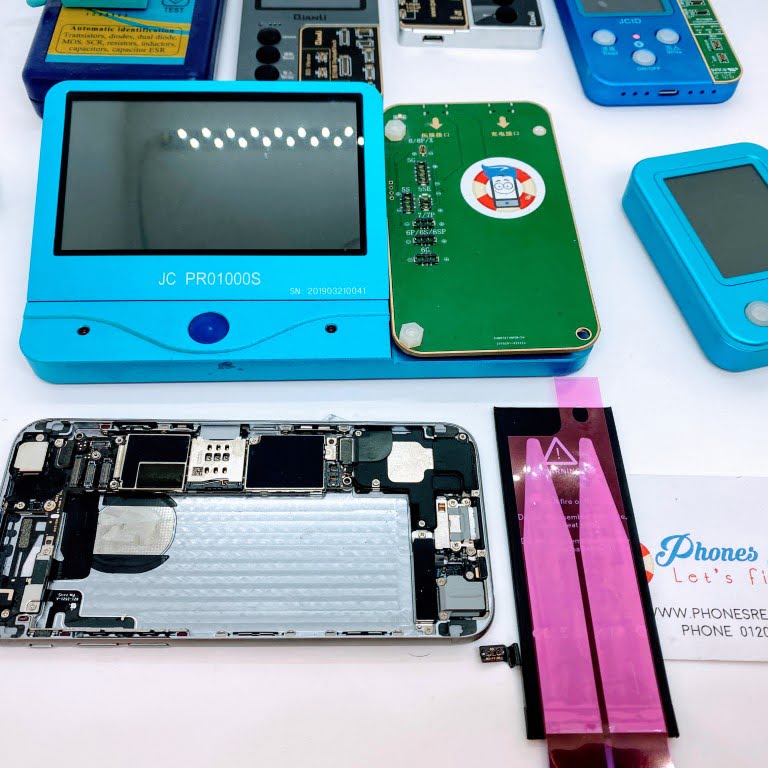
    When you feel that your smartphone battery is no longer working as it should, please don’t wait for it to swell and damage your mobile phone. In extreme cases, a damaged or swollen battery can explode, not only damaging your phone but also seriously burning nearby people. At Phones Rescue, we have professional Apple iPhone battery testers and testers for charging circuits.

    iPhone battery replacement – One-hour testing and repair (phonesrescue.co.uk)


  • Sony PlayStation 5 PS5 repairs. HDMI port replacement

    Sony PlayStation 5 PS5 repairs. HDMI port replacement

    Sony PlayStation 5 (PS5) repairs – HDMI port replacement – Bournemouth, Christchurch, Poole

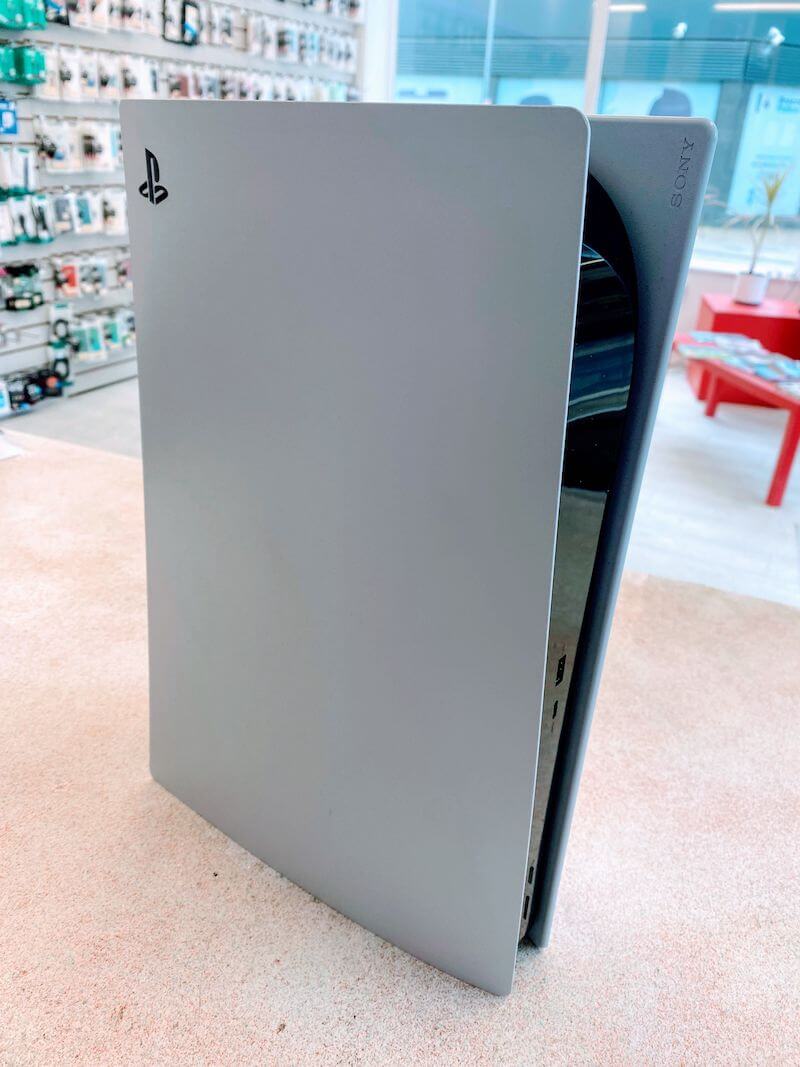
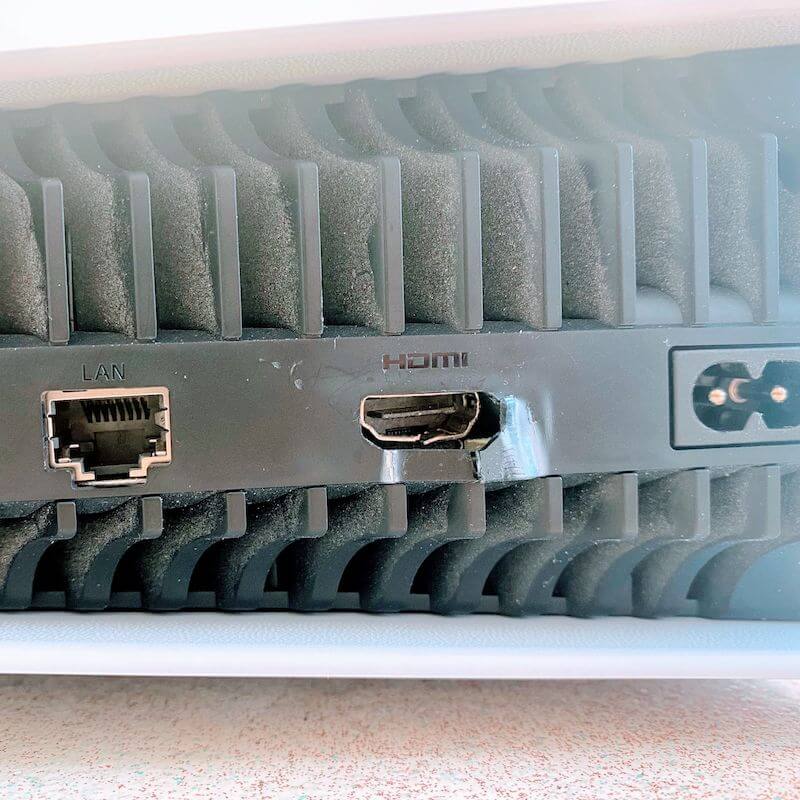
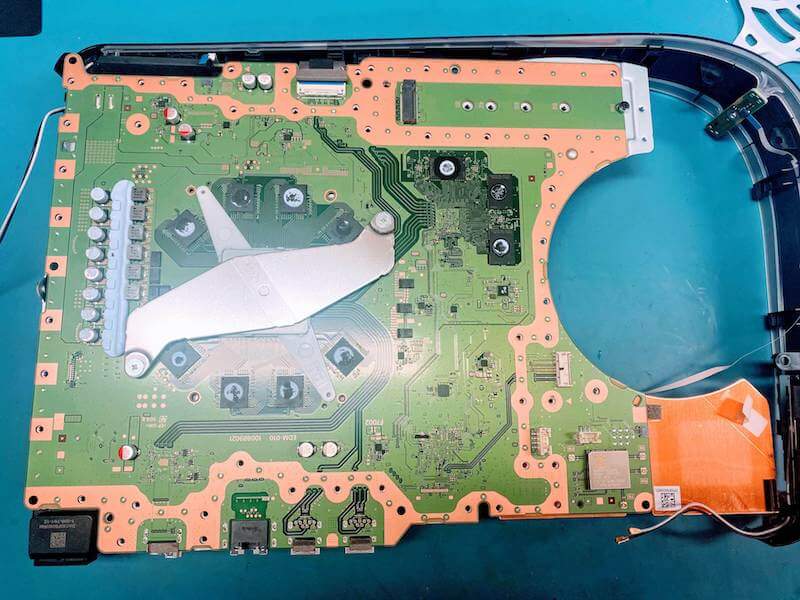
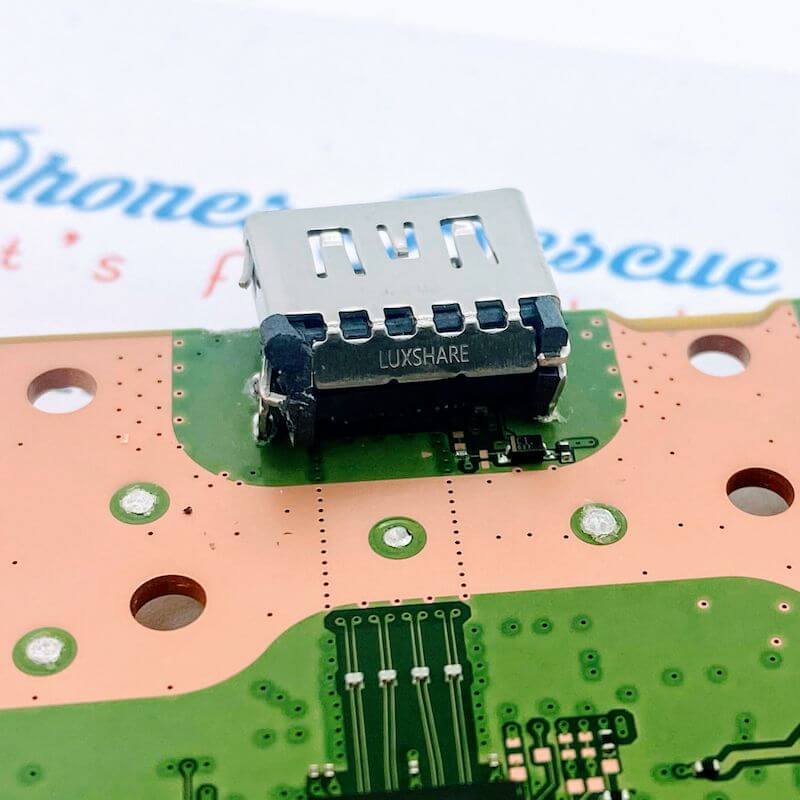
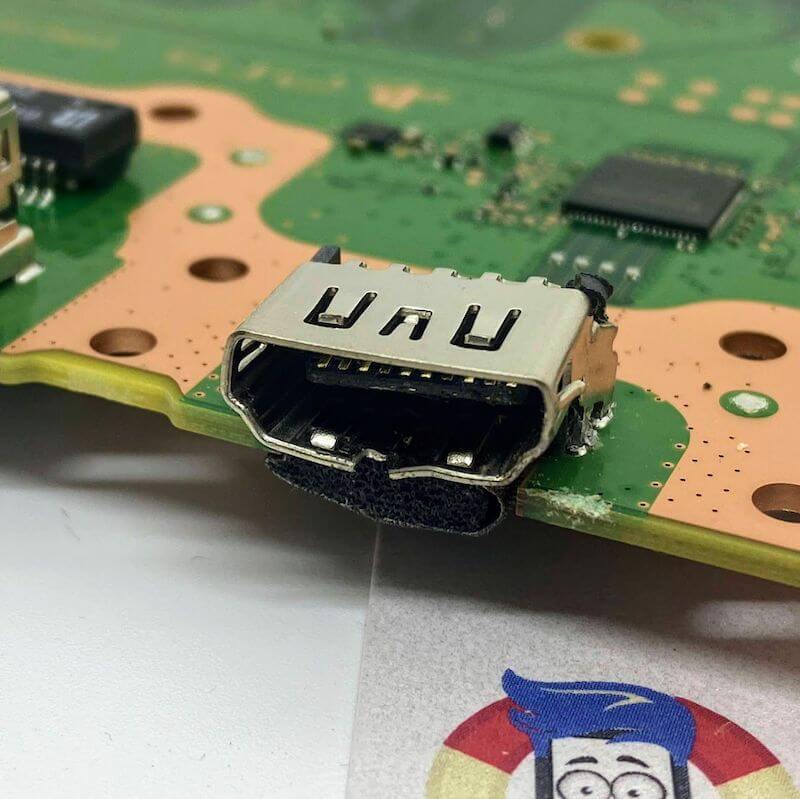
    A moment of inattention is enough to trip over the HDMI cable lying on the floor and damage your Sony PlayStation 5 PS5 console. The HDMI port was severely damaged and almost ripped from the motherboard. Fortunately, you can repair such damage with Phones Rescue. We repair consoles from Sony, Microsoft and Nintendo. Please get in touch with us if your console is not working correctly. https://phonesrescue.co.uk/console-repair-bournemouth-playstation-ps4-xbox-nintendo/


  • iPad 5th gen 2017 A1822  repairs. Battery, charging port replacement

    iPad 5th gen 2017 A1822 repairs. Battery, charging port replacement

    iPad 5th gen 2017 A1822 repairs. Battery, charging port replacement

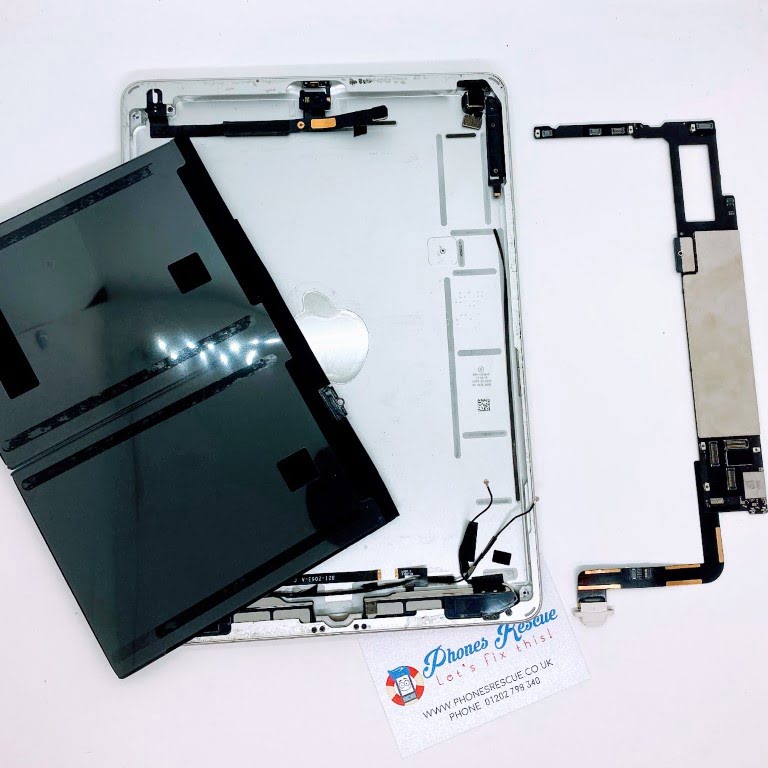
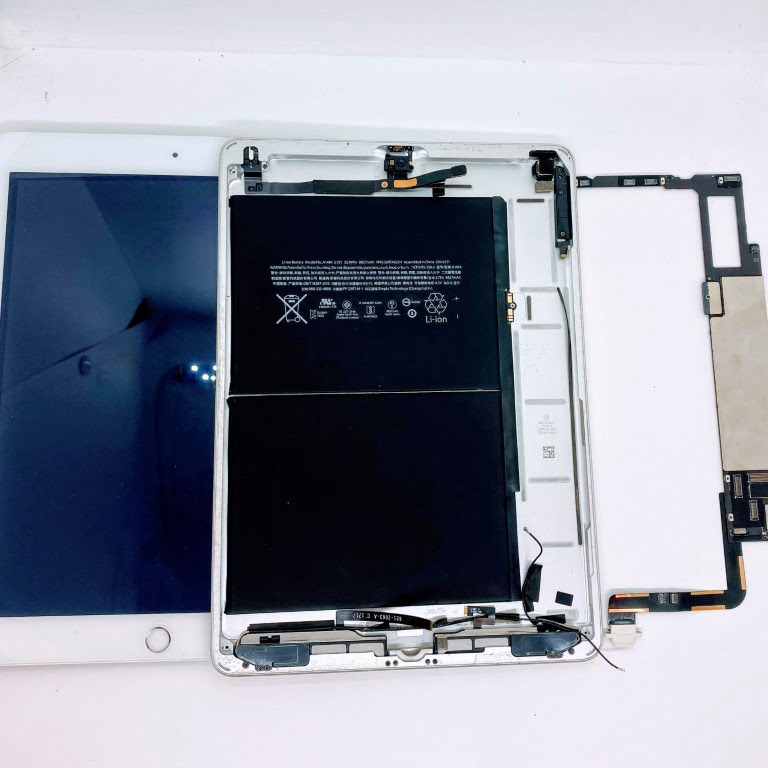
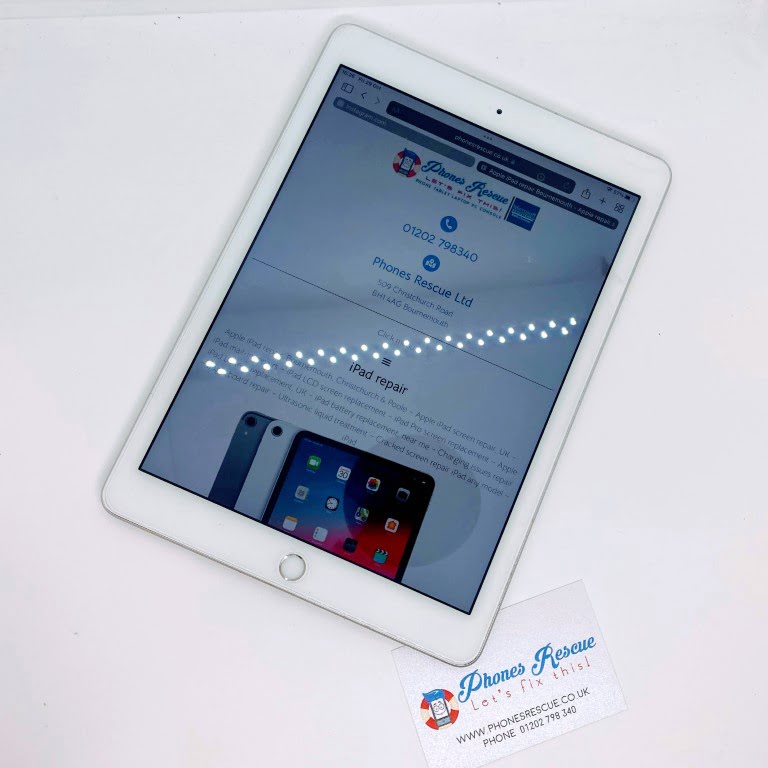
    The 5th-generation iPad, also known as the iPad 5, was released by Apple in March 2017. This model is known for its high-quality Retina display, A9 chip, and long battery life. However, as with all electronics, the battery life of the iPad 5 may deteriorate over time. If you notice that your 5th-generation iPad is running out of battery faster than it used to, it may be time to consider getting a battery replacement.

    At Phones Rescue, we offer professional iPad battery replacement services. Our experienced technicians can replace the battery in your iPad 5 quickly and efficiently, restoring its battery life to like-new condition. We use only high-quality, genuine Apple batteries to ensure your iPad performs optimally and safely.

    In addition to a battery replacement, we also offer a charging port replacement for the iPad 5. The charging port is a critical component of your iPad, allowing you to charge the battery and transfer data to and from the device. If your charging port is damaged, it can cause a lot of inconveniences and prevent you from using your iPad to its full potential. Our skilled technicians can replace the charging port in your iPad 5, restoring its functionality and enabling you to use it again.

    If you have any issues with your iPad 5, whether it’s a battery or charging port issue, bring it to Phones Rescue for fast and reliable repairs. Our technicians are trained to diagnose and fix any problems with your iPad quickly and efficiently, ensuring that you can get back to using your device as soon as possible.

    In conclusion, if you own a 5th-generation iPad and notice its battery life is deteriorating or the charging port is damaged, you can trust Phones Rescue to provide you with professional and reliable repair services. We use only high-quality parts and provide a warranty on all our repairs, ensuring that your device is in good hands. Contact us today to learn more about our services or to schedule an appointment.

    More info: Apple iPad repair Bournemouth – Apple repair specialists – Phones Rescue


  • MacBook Air A1466 WiFi card not detected

    MacBook Air A1466 WiFi card not detected

    MacBook Air 13″ A1466 WiFi cart not detected repairs

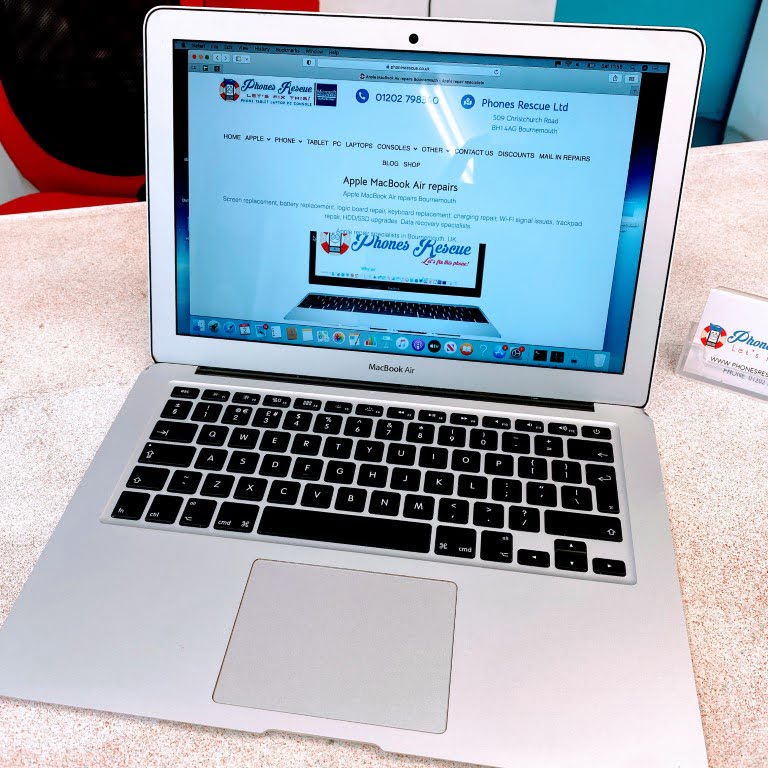
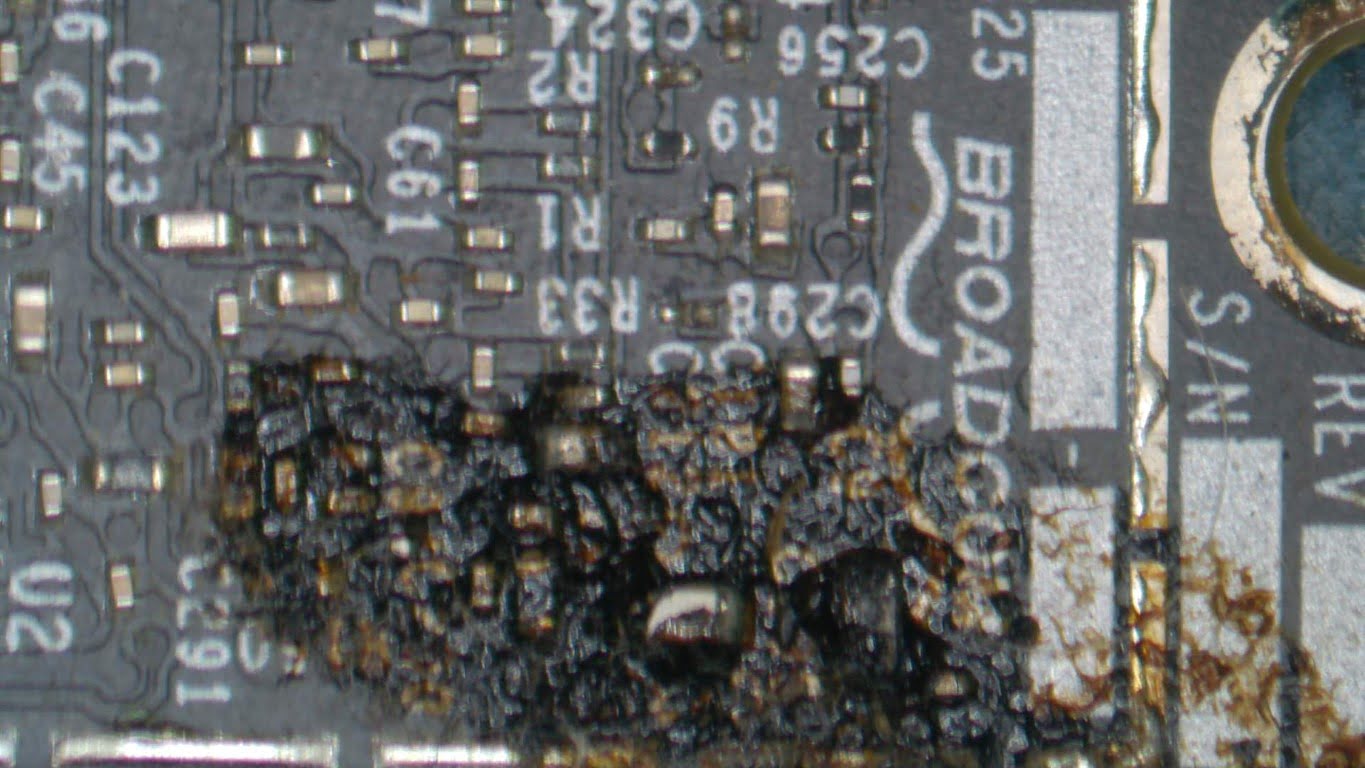
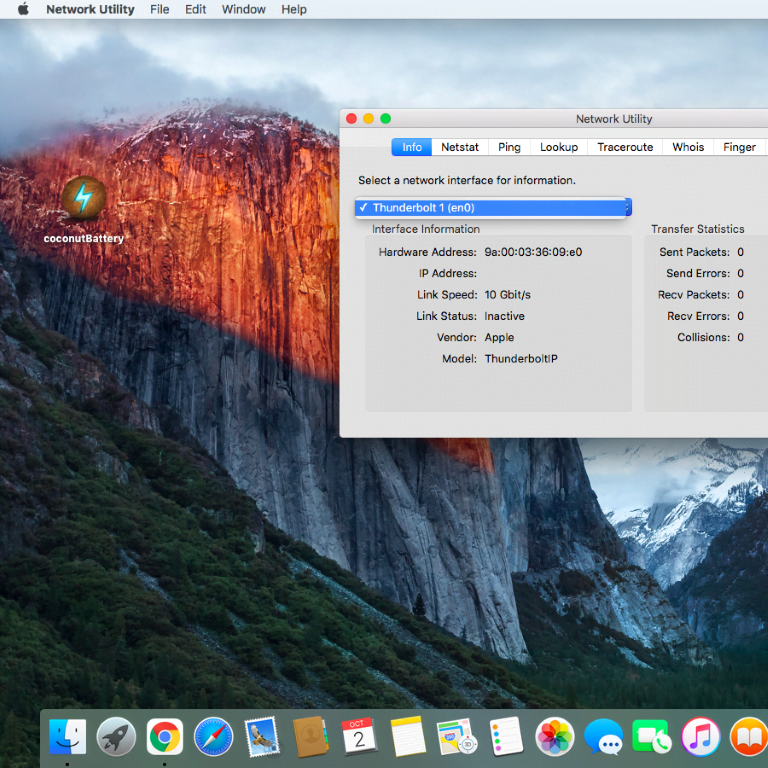
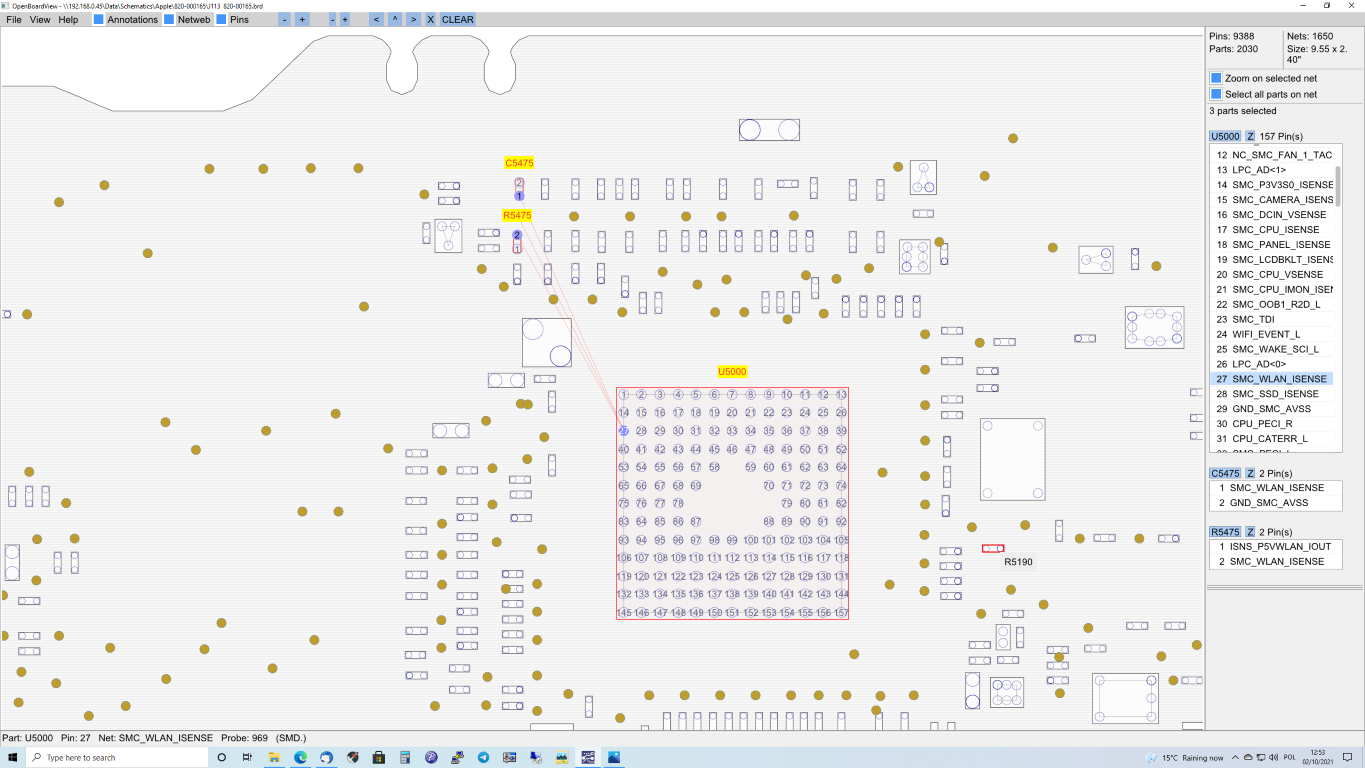
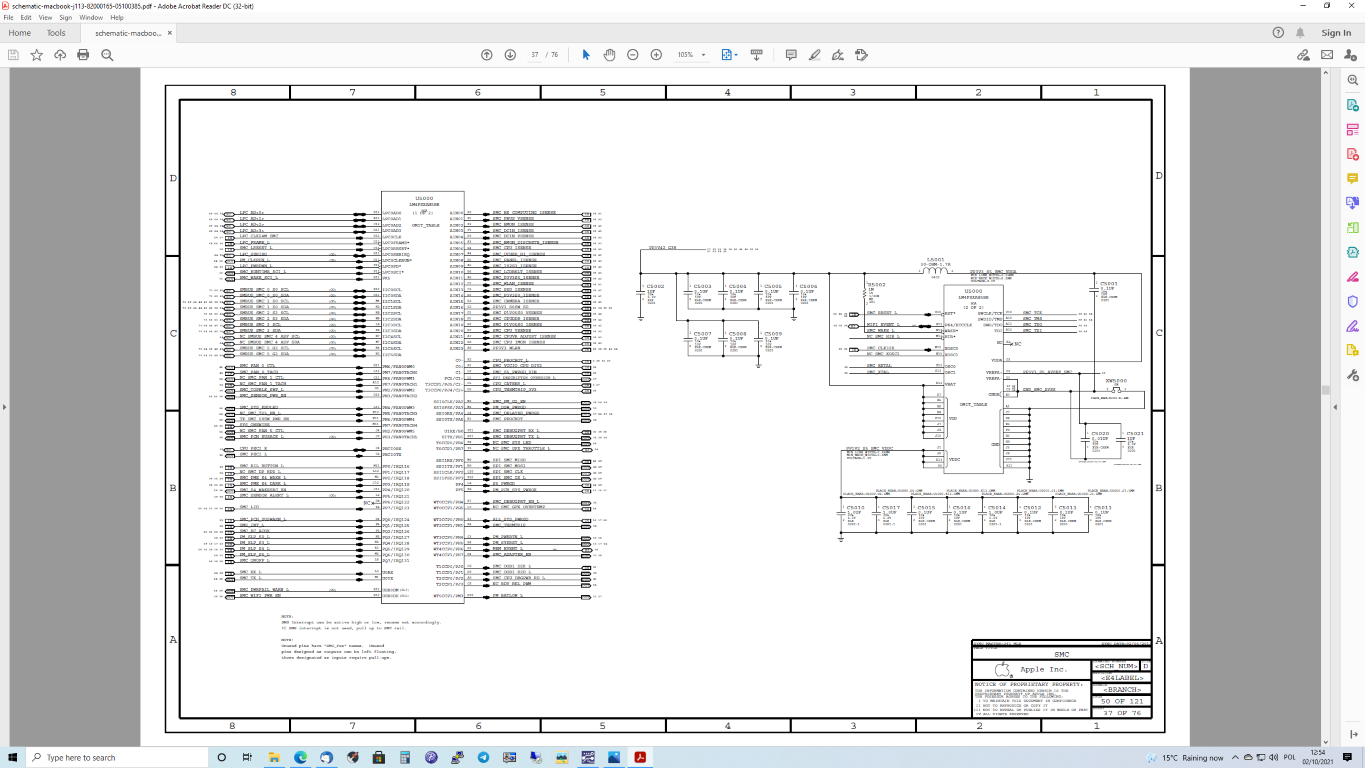
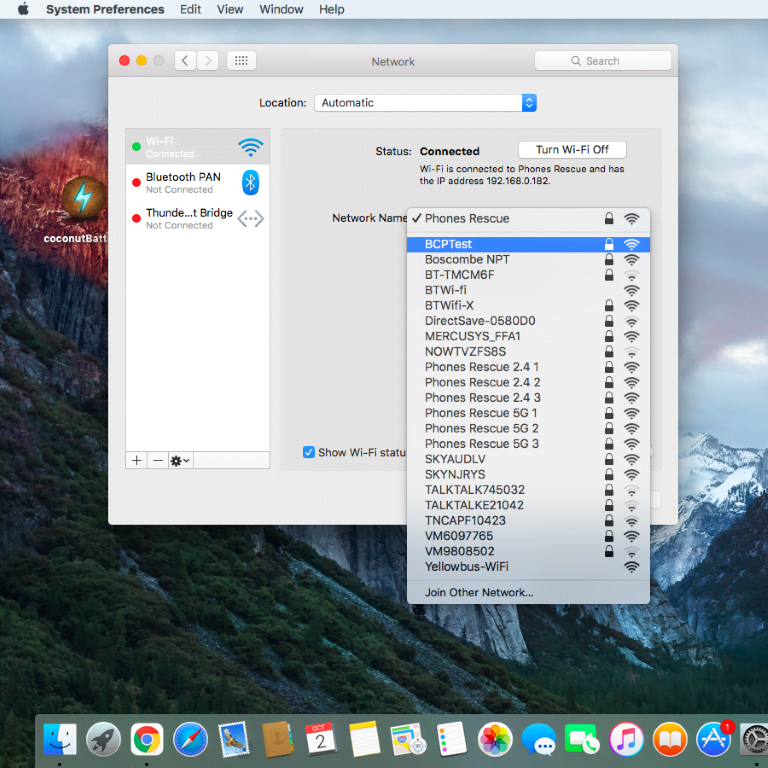
    Our client spilt liquid on his MacBook Air A1466. After some time, the WiFi card stopped working. We checked his laptop and found that the WiFi card was entirely damaged by corrosion. The problem is that even after replacing the WiFi card with a new one, it was still not seen by the system. The message “No hardware detected” was displayed.


    It turned out that several components on the motherboard were also damaged and the voltage was not reaching the WiFi card connector. After replacing broken chips, the Macbook works fine again.


    Please get in touch with us if you have a similar or different problem with your MacBook Air. Find out more on the website MacBook Air repairs.