Author: Andrzej Majewski

  • Charging problems

    Charging problems

    Charging problems

    They are charging problems. Try to diagnose and find the fault yourself. What to do when my phone is not charging.
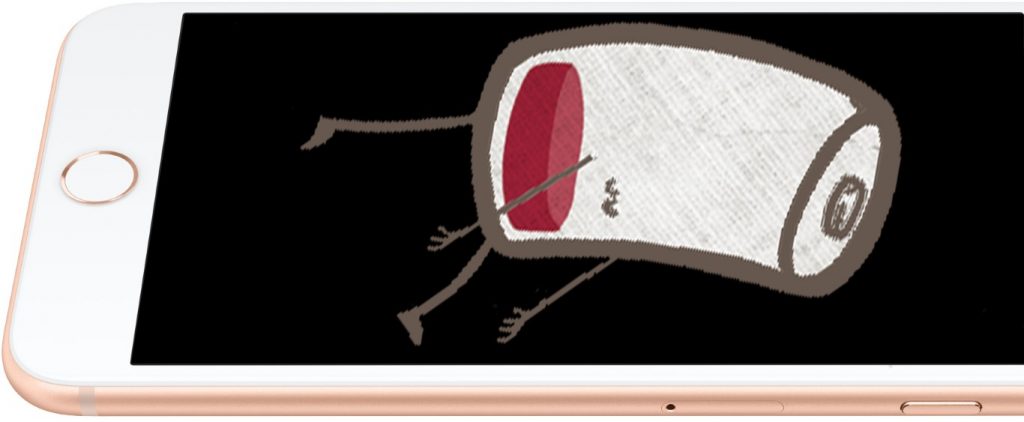
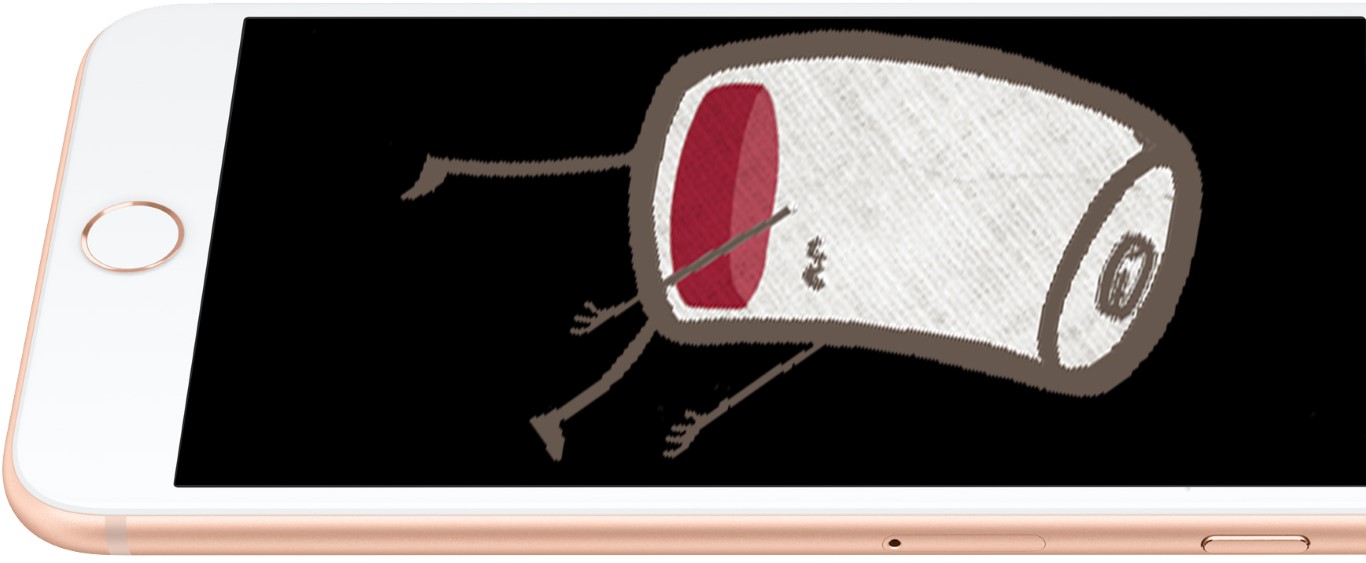
    Charging problems iPhone flat battery

    Your phone demands power but does not work well with a charger. Stay calm; maybe that is just a small issue. Read the guidelines below to find out what can cause those problems.

    Check charging lead
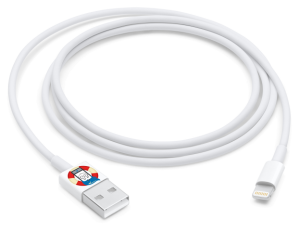
    Lightening cable (Small) Charging problems

    In new models of chargers, you can often take out the charging lead and use it as a USB. Is it the case on your phone?

    Does your charger have removable charging lead?

    Choose option below

    Yes, I have got removable charging lead

    1. Plug it off from the charger and plug it into the computer or other chargers with removable charging leads.

    No worries, that does not need to be charged by the same brand as your phone. Ask someone from the family about chargers from any other phone or tablet. What is important is that it has to have the same socket.
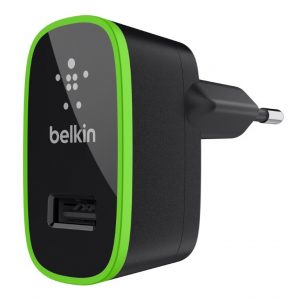
    Charging problems 1

    In some cases, USB sockets might be on the wall sockets:
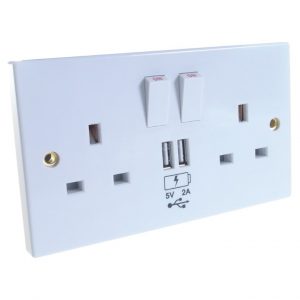
    Charging problems 2

    2. Is your phone charging normally? If yes, move your cable slowly and in a delicate manner on its every end; maybe the cable is broken and charges only for a moment. If everything is fine and there are no problems with charging, if you move the cable, that means your charger is faulty.

    3. The phone is charging, but it sometimes stops working if I move the cable. That means your cable is faulty or the charging socket on your phone.

    4. The phone is still not charging—faulty cable or phone.

    5. Go to other points to check other possibilities of failure.

    No, my charging lead is connected with my charger permanently

    1. Do you have another cable for your phone at home? Check in the box; sometimes producer can provide you with an additional cable. If you have iPhone, you can use the cable from other Apple devices – iPods or iPads. If you have an Android phone, you might have a micro USB and can plug it into another Android charger.

    Caution: If you have an iPhone, you cannot use an Android cable or vice versa!

    2. Is your phone charging when it is connected to another charger? If yes, move the cable slowly and delicately in the charging port. If everything is fine, that means your phone charger is faulty. If it stops charging sometimes, the charging port must be faulty.

    3. Is your phone still not charging? That means the phone is faulty. Contact us, and we can sort it out for you.

    What kind of cable do I need actually?

    Caution: many types of USB cables in retail are non-compatible. Make sure you plug in the proper cable.

    1. Apple Lightning – cable used in every device produced by Apple actually, starting with model iPhone 5.
    Lightening connector (Small) Charging problems

    2. Apple 30 pins – cable for older devices produced by Apple in 2003-2014, for example, iPhone 3, 3GS, 4, 4s, iPad 2, and iPad 3.
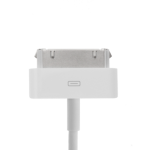
    Apple 30 pin (Small) Charging problems

    3. Micro USB 2.0- The most popular cable for phones and tablets, which Apple does not produce.
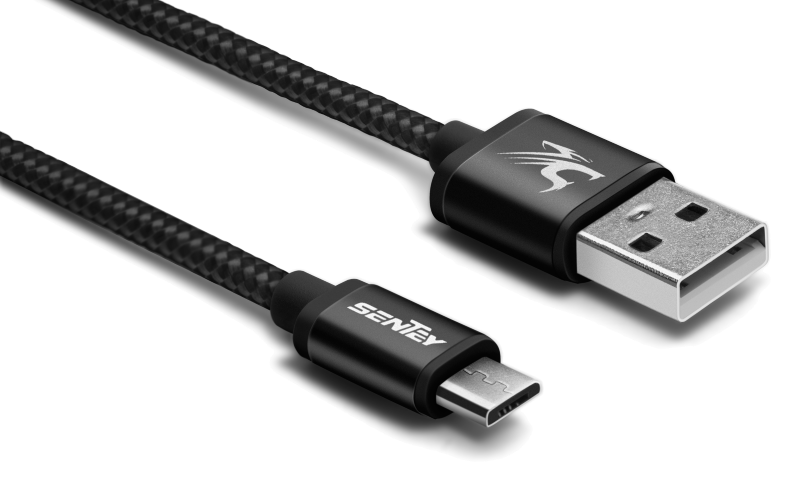
    micro USB 2 (Small) Charging problems

    4. micro USB 3.0 – Often used for removable hard discs, they are also in some phones. It is characteristic of version 3.0 with blue plug-ins and ports. Devices equipped in those ports (if they do not need the power of more than 500mA) might be connected by cable micro USB 2.0. as well.
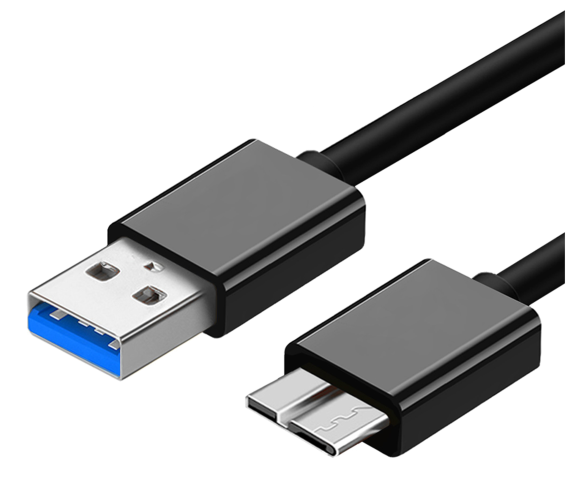
    micro USB 3.0 (Small) Charging problems

    4. USB-C – a follower of the micro USB standard. It is not very popular yet, but it has the potential shortly to replace the previous one because it has several undeniable benefits. It makes it possible to charge devices with higher voltage, and both sides can connect them. 
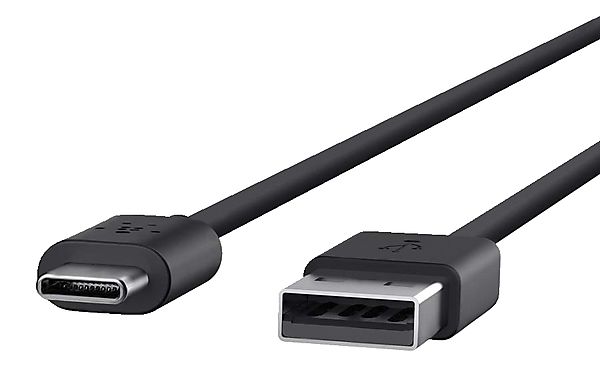
    USB type C

    Check your charger

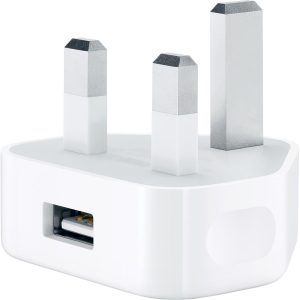
    Charger Charging problems

    Saying ‘charger’, I have on my mind a charger without cable, so just a ‘block’ plugged into the socket in the wall.

    If someone from your family or friends has a charger with a removable USB cable, use it to check if your phone is charging properly. It can be any charger 5V from any phone or tablet (iPhone, Android, iPad, tablet).

    How does your phone react after connecting to another charger?

    How does your phone react after connecting to other charger?

    Choose option below

    Phone is charging properly

    If your phone is charging properly on another charger, that means your charger is faulty.

    Phone is still not charging

    If you have checked your USB cable and your phone is still not charging on another charger, that unfortunately, means your phone is faulty.

    Contact us, and we will sort it out for you.

    Check your charging port
    Apple-iPhone-6-Silver-Bottom (Small)

    Is your phone still not charging?

    After checking all possible elements, your phone is still not charging, which means there is some defect inside it. Contact us, and we might be able to help you.

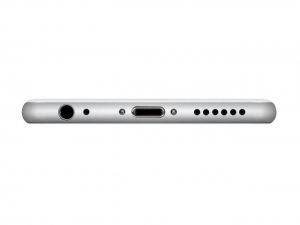
    There is often a case when something can get into the charging port and not properly phone charging. Check your charging port inside by lightning it by torch, view them properly and remove eventual dirt with a toothpick. Do it delicately, not to break delicate metallic pins.

    Charging problems

    Solutions for all electronic devices Apple repair specialists bournemouth. Repair your device today

    iPhone


    Bournemouth Mac repair Apple MacBook

    MacBook


    Solutions for all electronic devices iPad repair. Repair your device today. Apple repairs Bournemouth.

    iPad


    Apple iMac repair Bournemouth

    iMac


    Repair your device today. Apple repairs Bournemouth.

    iPod


    Laptop repair Bournemouth Microsoft Registered Refurbisher

    Laptop


    Smartphones repair specialists Samsung, LG, Sony, Google, Huawei repair Bournemouth.

    Smartphone


    Facebook-f


    Envelope


    Youtube


    Twitter


    Instagram


    Google


    Map-marked-alt

    More info:


    Like our profile on Facebook so you don’t miss our promotions and keep up to date with the latest news. 


    On our YouTube channel you will find videos about our promotions and what our company does. Subscribe to stay up to date.


    On our Twitter account you will get short information about our company.


    Get to know us better. Go to our Instagram profile and see photos of our company.


    On our Google My Business profile, you’ll find a lot of useful information, as well as read opinions about us. If you are already our customer, we will be happy to hear your opinion about us.
  • Phones laptops liquid treatment

    Phones laptops liquid treatment

    Phones laptops liquid treatment

    Phones laptops liquid treatment

    Professional logic board ultrasonic cleaning

    iPhone-X-water_0

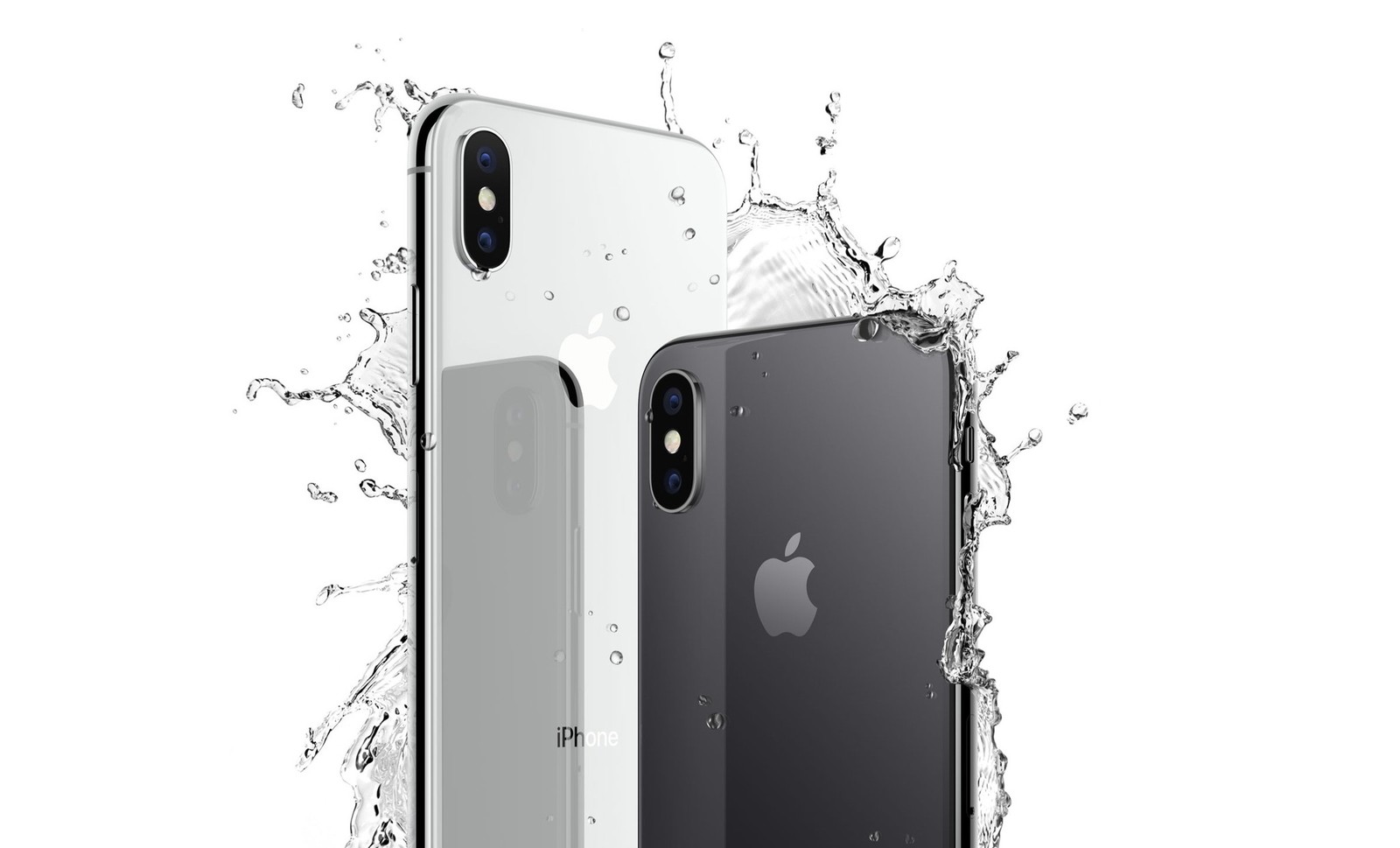
    Phones’ contact with a liquid is one of the most common faults, just next to falls. Raindrops, swimming in the sea, Pepsi, beer, a bath full of water, washing machine or toilet– plenty of dangerous situations waiting for your phone. Is that mean the end of its life? Not necessarily! Everything depends on a few factors. In that guideline, you will learn how to extend the chance of rescuing and writing data on your phone. If those unfortunate circumstances happened and your phone was dropped off in the water, first of all…

    Cut the power

    If your phone has a removable battery – take it out. Water and power connected mean troubles. There is the possibility of firing it up and further galvanic corrosion of components. If it is impossible to remove the battery, at least switch the phone off when it doesn’t switch by itself. It will not cut power completely but will allow it to cut off from many sensitive elements regarding a fire. Then take out SIM and memory cards if your phone has them.

    Rice? Amazing! But just in Chinese restaurant


    On the Internet, you can find a lot of myths regarding helpful rice in cases of dropping the phone into the water; However, although beneficial for our health and a tasty vegetable, it is not very useful for rescuing your phone from contact with a liquid. Many people will try to convince you that your brother-in-law from Auntie Mary’s side rescued his phone this way. Maybe there could even be a seed of truth, but the assumption is that the same result would be from the drying process on the sun or radiator. Simply saying, dropping off into the water might not last long and, consequently, wasn’t too serious. So with rice or without, the phone becomes dry by itself. If you have priceless important data on your phone, it is better to hand it to a professional service that owns ultrasonic cleaners.

    Ultrasonic cleaner

    The tool that generates ultrasonic vibrations, combined with isopropyl alcohol or demineralised water with additional cleaning resources, can remove pollution and corrosion from hardly reachable places on the mainboard. That is the best, most well-known method of rescuing phones after contact with a liquid.

    Drying and diagnostics

    Following the bath in the ultrasonic cleaner, the phone can be dried. Then, before we plug in the battery, we start initial diagnostics and check if any of the components will not cause a short circuit, which could cause harm to a phone. If everything looks fine, we can connect all components, test the phone’s functions and eventually replace faulty components.

    Ready!

    If your reaction after contact with liquid has been relatively quick and you haven’t plug the phone to the charger and to the power before it has been completely cleaned and dried, then there is a huge chance that you would be able to enjoy your working phone again.


    Solutions for all electronic devices Apple repair specialists bournemouth. Repair your device today

    iPhone


    Bournemouth Mac repair Apple MacBook

    MacBook


    Solutions for all electronic devices iPad repair. Repair your device today. Apple repairs Bournemouth.

    iPad


    Apple iMac repair Bournemouth

    iMac


    Repair your device today. Apple repairs Bournemouth.

    iPod


    Laptop repair Bournemouth Microsoft Registered Refurbisher

    Laptop


    Smartphones repair specialists Samsung, LG, Sony, Google, Huawei repair Bournemouth.

    Smartphone


    Facebook-f


    Envelope


    Youtube


    Twitter


    Instagram


    Google


    Map-marked-alt

    More info:


    Like our profile on Facebook so you don’t miss our promotions and keep up to date with the latest news. 


    On our YouTube channel you will find videos about our promotions and what our company does. Subscribe to stay up to date.


    On our Twitter account you will get short information about our company.


    Get to know us better. Go to our Instagram profile and see photos of our company.


    On our Google My Business profile, you’ll find a lot of useful information, as well as read opinions about us. If you are already our customer, we will be happy to hear your opinion about us.